Is the Plagiarism Checker available in all plans?
The Plagiarism Checker is available in the Gold plan and higher.
On what basis does the Plagiarism Checker feature operate?
The Plagiarism Checker feature is integrated into NEURONwriter.
You have particular amount of credits for plagiarism checking assigned to your plan.
Where can I find the Plagiarism Checker in the editor?
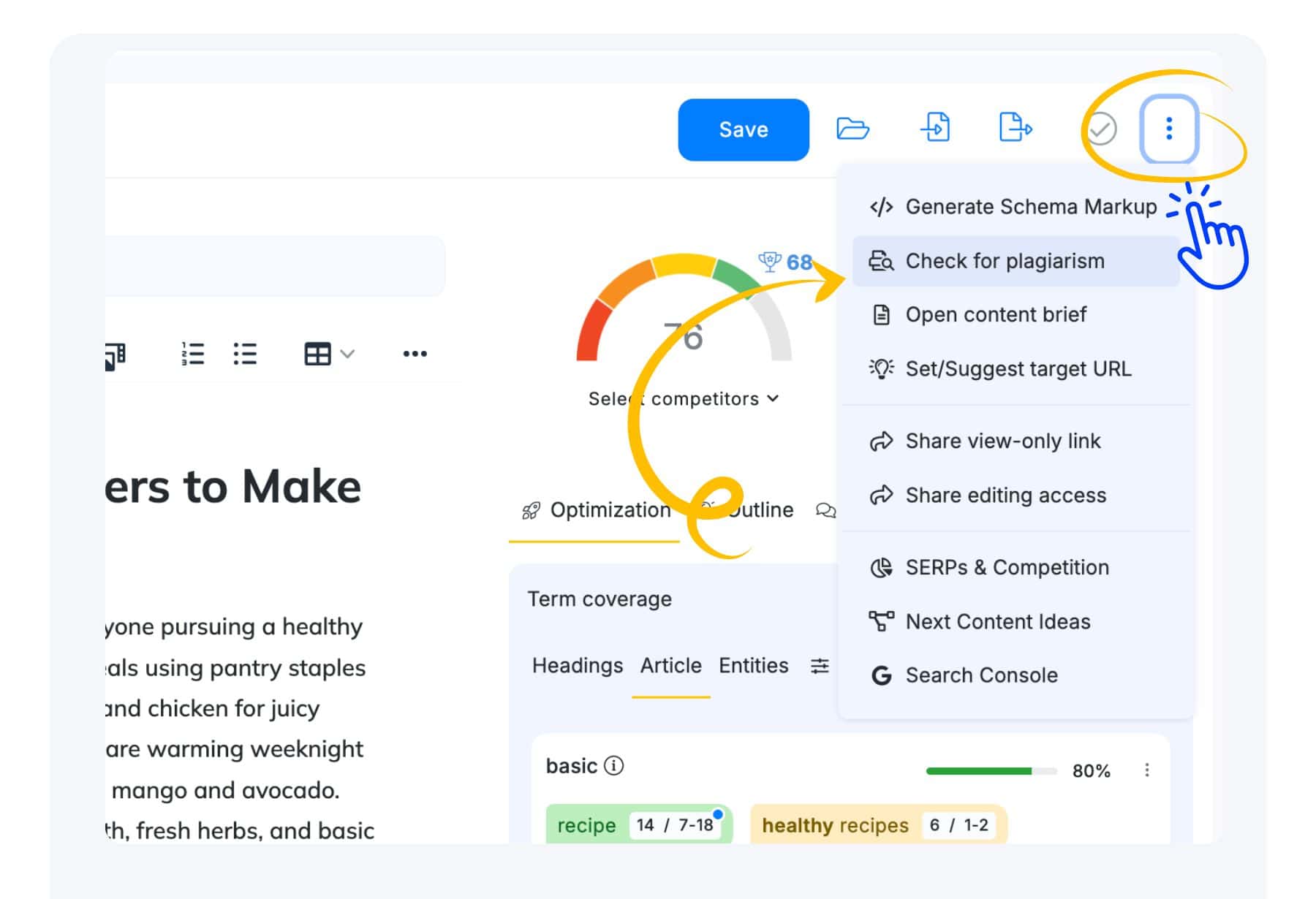
You can access the Plagiarism Checker in the Editor menu. The Editor menu is located in the editor’s top bar menu, right next to the Save button. To start you need click on the Check for Plagiarism.
How to Check for Plagiarism in NEURONwriter:
Open the Content Editor for specific query.
Locate the Editor menu in the top bar of the editor, next to the Save button.
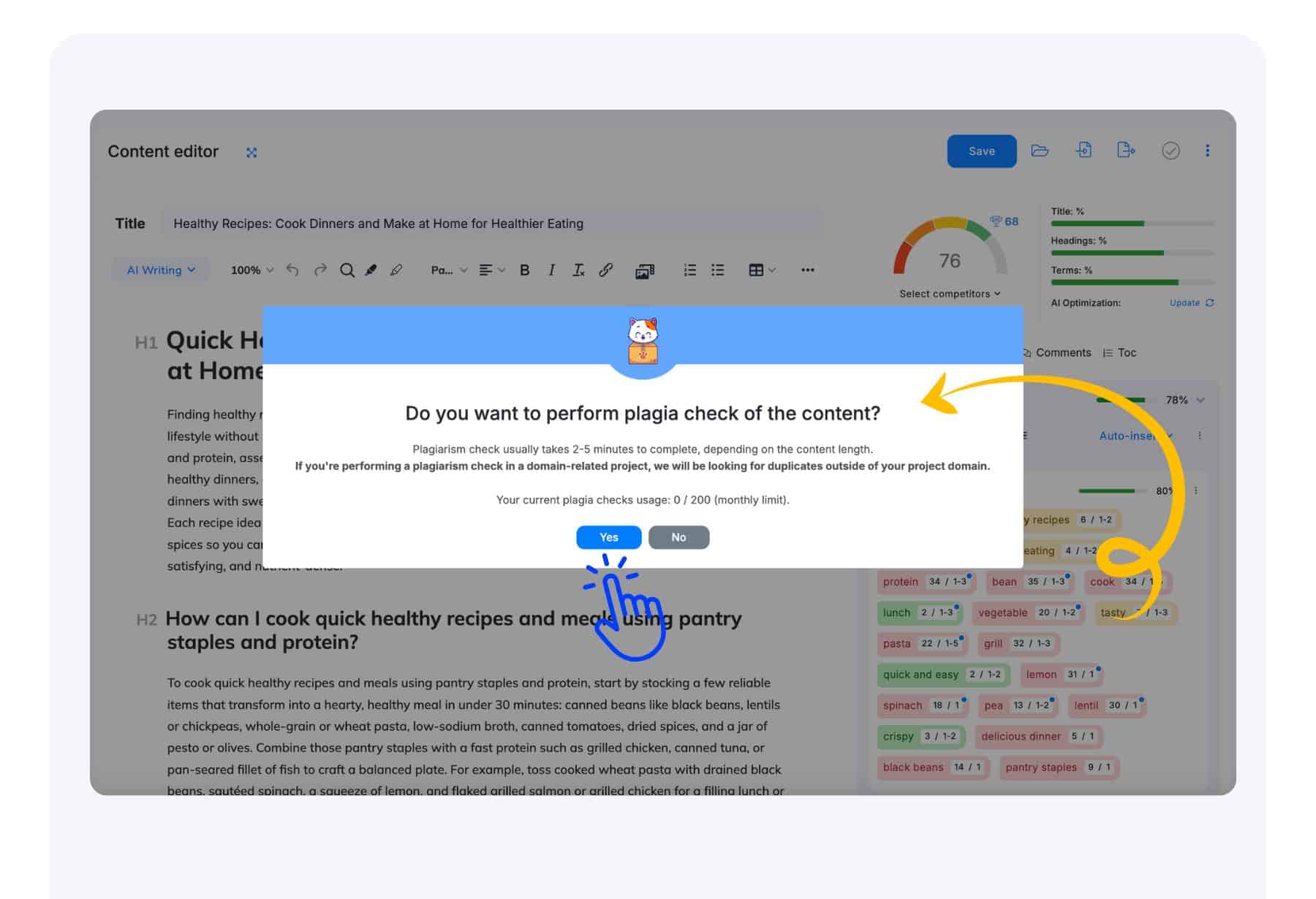
Click on Check for Plagiarism. Then confirm plagiarism checking.
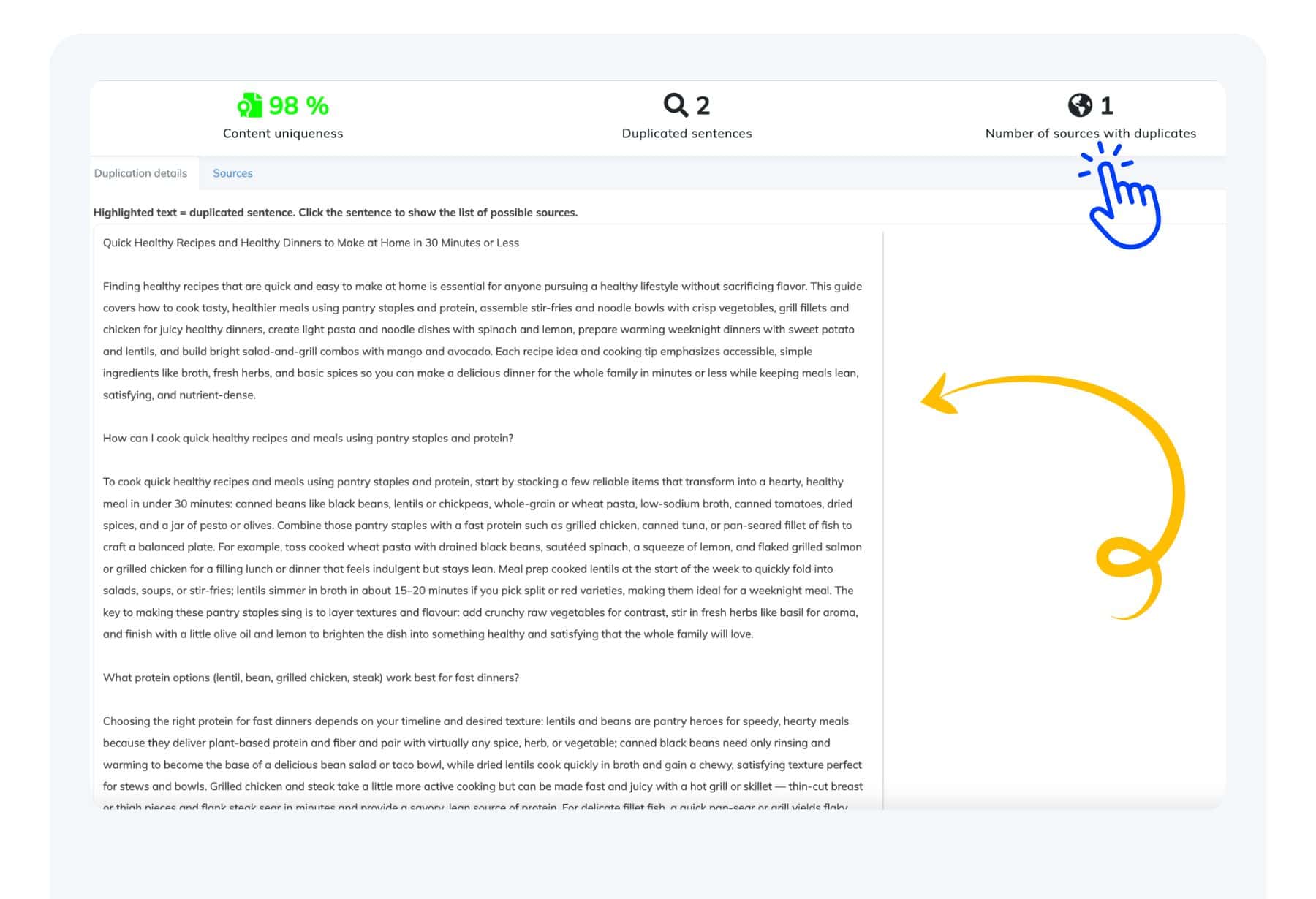
The system will scan your content and provide a plagiarism report showing any matches or concerns.
Review the results and make necessary edits to ensure your content is original.
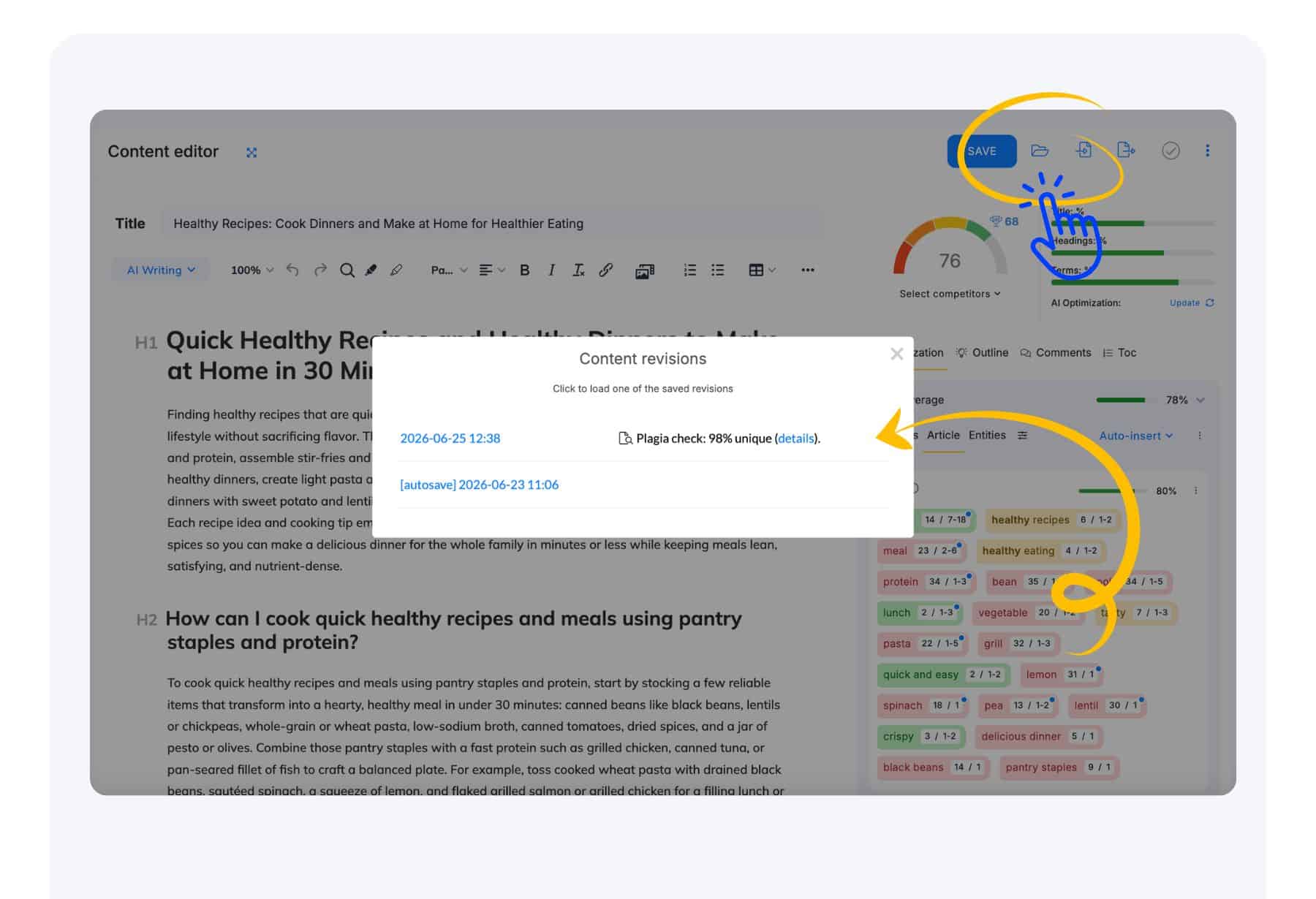
Where can I access the results of my Plagia checks?
You can find the results of your Plagia checks in the Content Revision folder next to the Save button.