How to perform a New analysis?
Inside the project, you can initiate a new analysis by selecting the “New Query”
Simply use New content or Optimize content option to run the analysis on your chosen keyword to begin the content writing process.
Run a New Query: Within the project dashboard, click on the “New Query” button.
Choose Analysis Type:
- New Content: Select this option to analyze a specific keyword and begin crafting new content.
- Optimize Content: Use this option to enhance existing content by entering the URL of your current article. NEURONwriter will import your content, allowing you to optimize it with tailored suggestions.
- Creating Multiple analyses at once
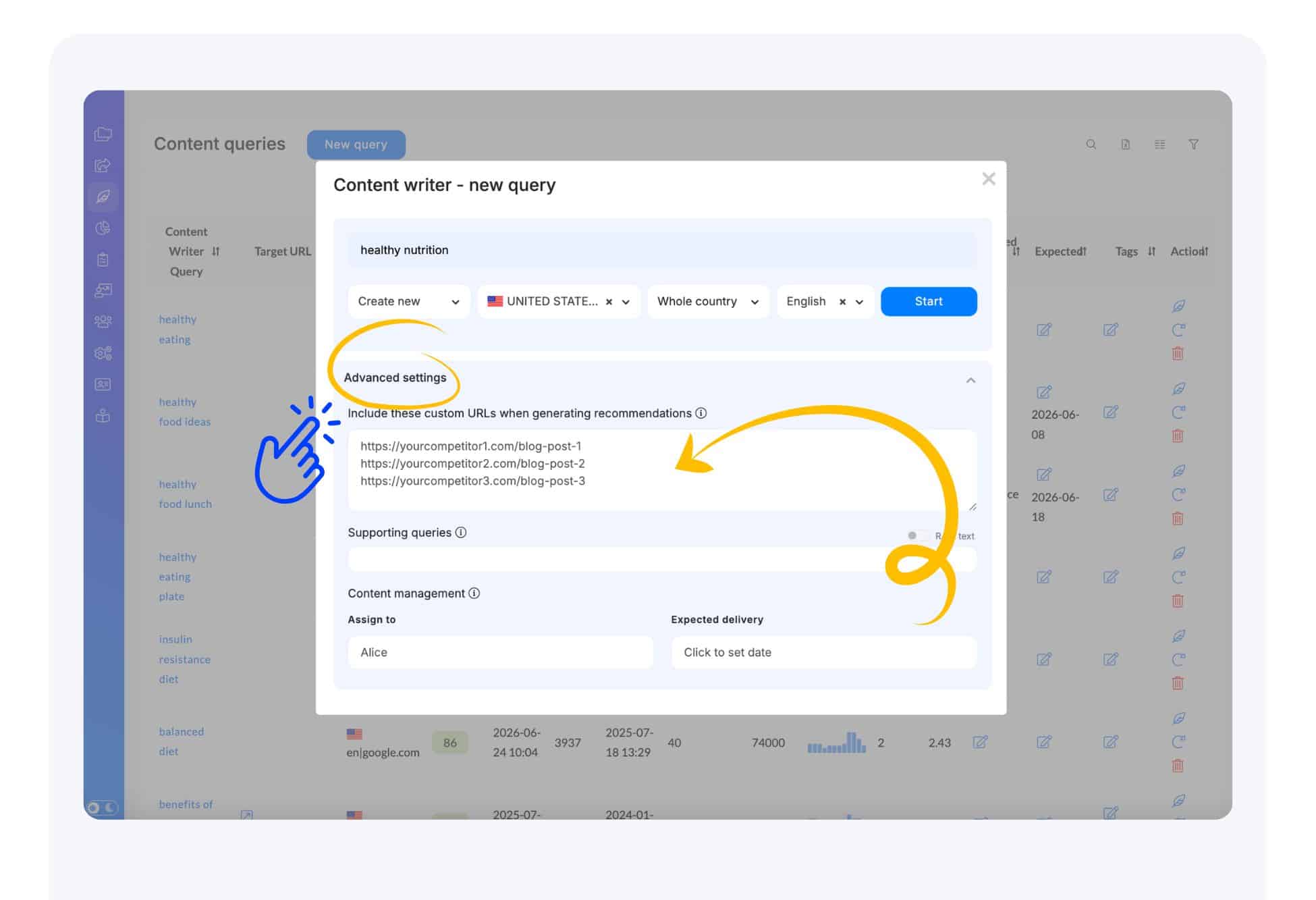
Enter Keyword: Depending on your chosen analysis type, input the target keyword with or without the URL of the content you wish to optimize.
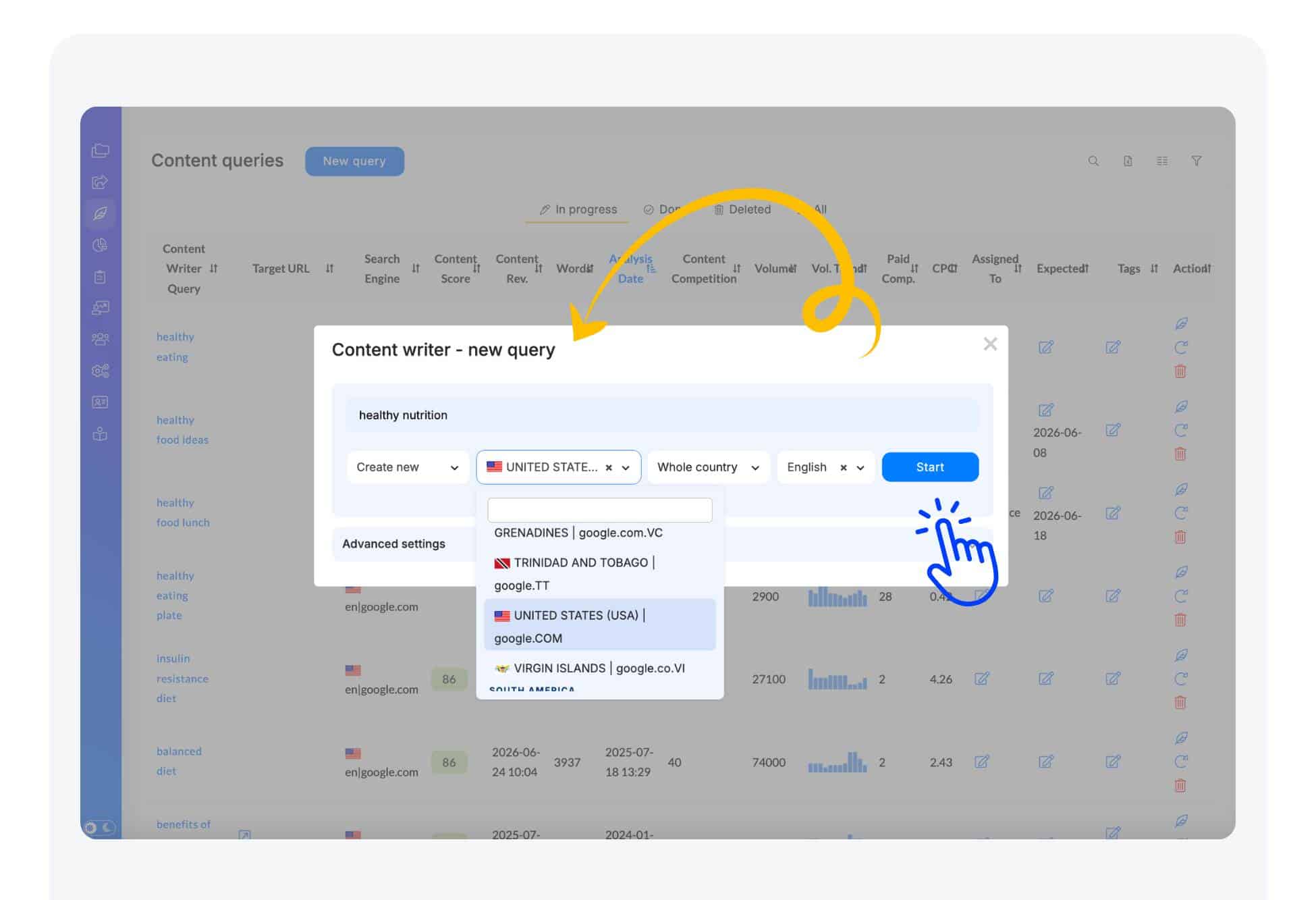
Configure Settings: Specify the language and country for your analysis to ensure accurate and relevant results.
Initiate Analysis: Click the “Start” button to commence the analysis.
NEURONwriter will process the information and provide insights based on top-performing content related to your query.
Once the analysis is complete, you’ll receive recommendations on NLP terms, competitors insights and other optimization strategies to enhance your content’s SEO performance.
The Advanced Settings also open additional possibilities, such as:
- Adding custom URLs to enrich SEO suggestions with insights from valuable pages
- Including additional keywords that you want the system to take into account during the analysis
- Setting task options, including an assigned persona and expected delivery
These options help you refine and improve the accuracy and depth of your SEO results.