How can I copy suggested terms
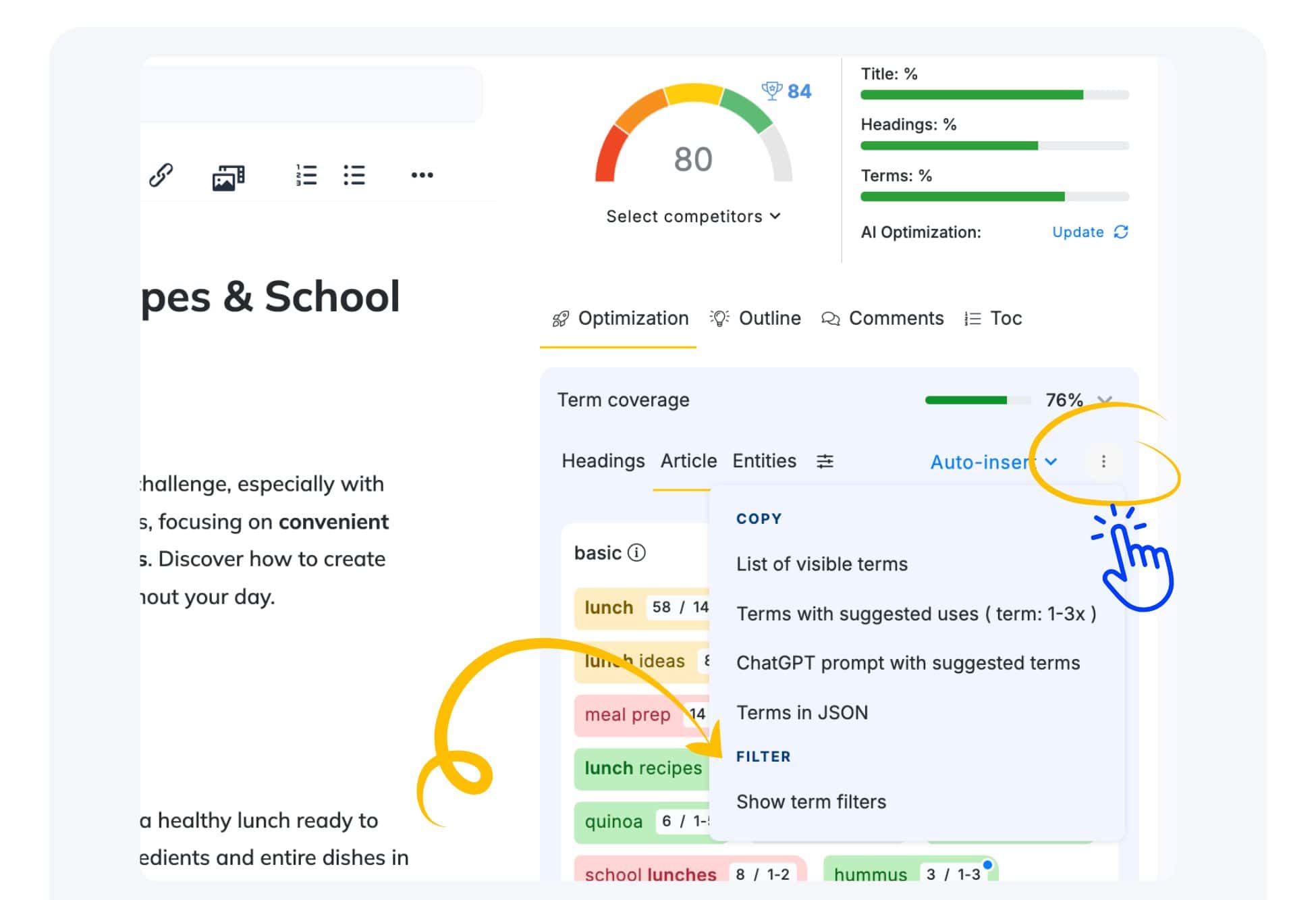
Now you can access term statistics in the Optimization tab under Term Coverage. There you can view the coverage of all suggested terms and access the filter options there next to the terms from the sidebar. You need just click the three dots and select the desired option from the dropdown menu. To copy suggested terms, simply use the Copy section in the dropdown menu and select suitable option button.
This will copy displayed terms to your clipboard.
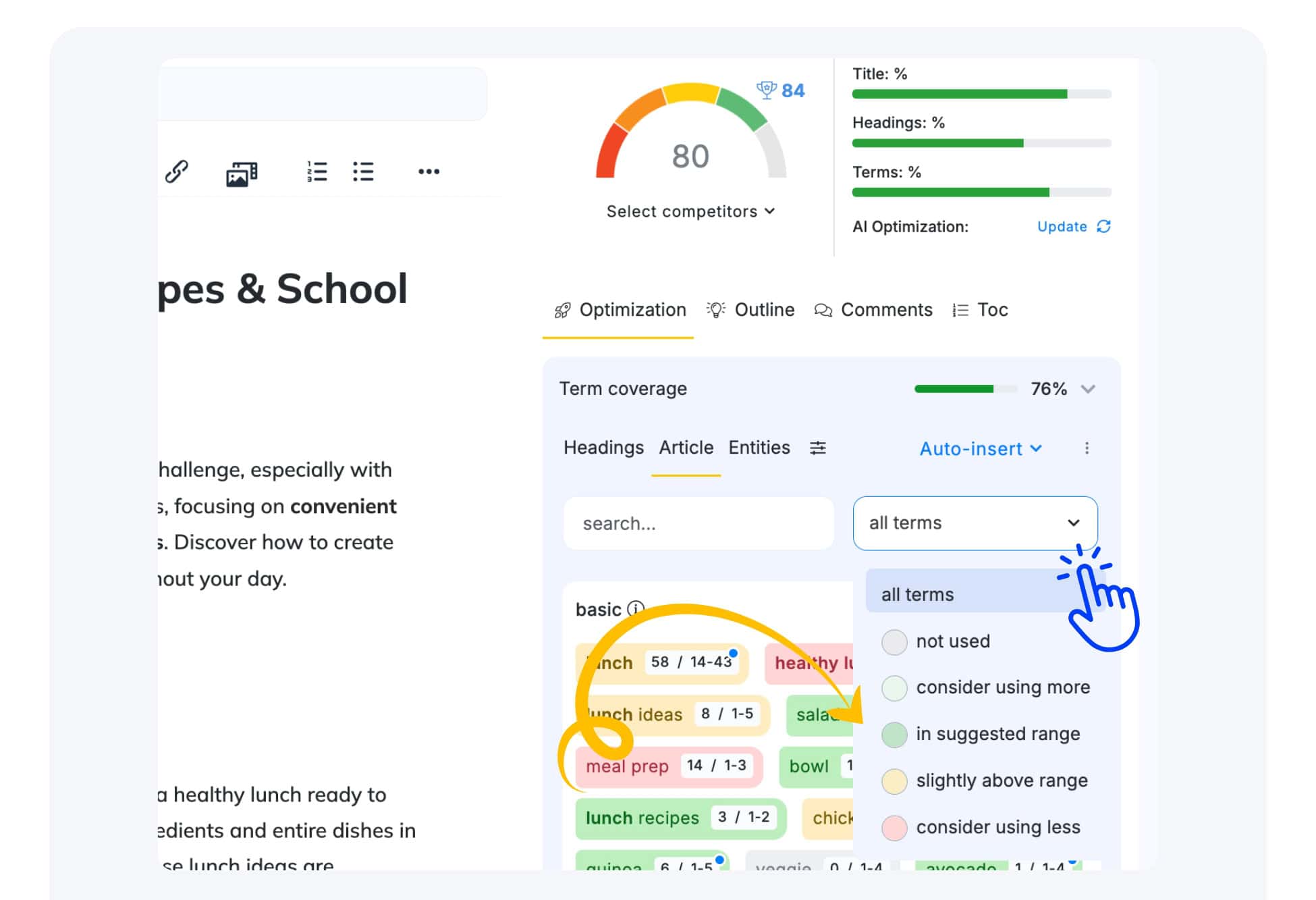
Filtering specific types of Terms
You can filter terms by usage (e.g., rarely used or unused) before copying. This allows you to focus on the specific set of terms you need.
After filtering, only the desired terms will remain, which you can then copy using the Copy options.