How to Use the Optimize Content Option in a New Query?
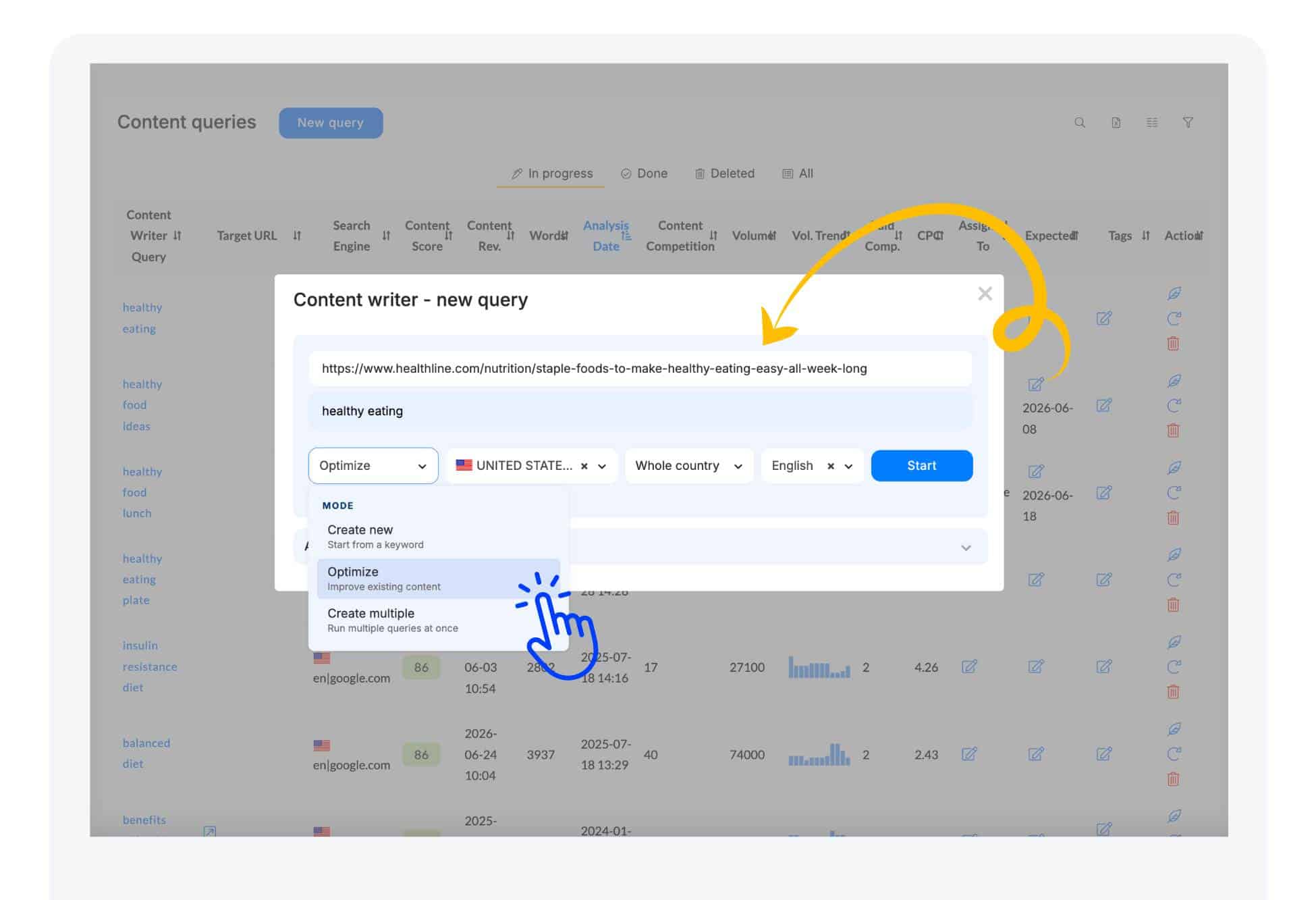
Inside the project, you can initiate a New analysis by selecting the “New Query”
Easily optimize your existing content by pasting the URL into our tool when starting a New Query.
To do this, create a New query using the Optimize option.
NEURONwriter will automatically import your content, allowing you to refine it with valuable suggestions to boost your score!