Pagination SEO: How to Make Paginated Pages Crawlable
Semantic Summary
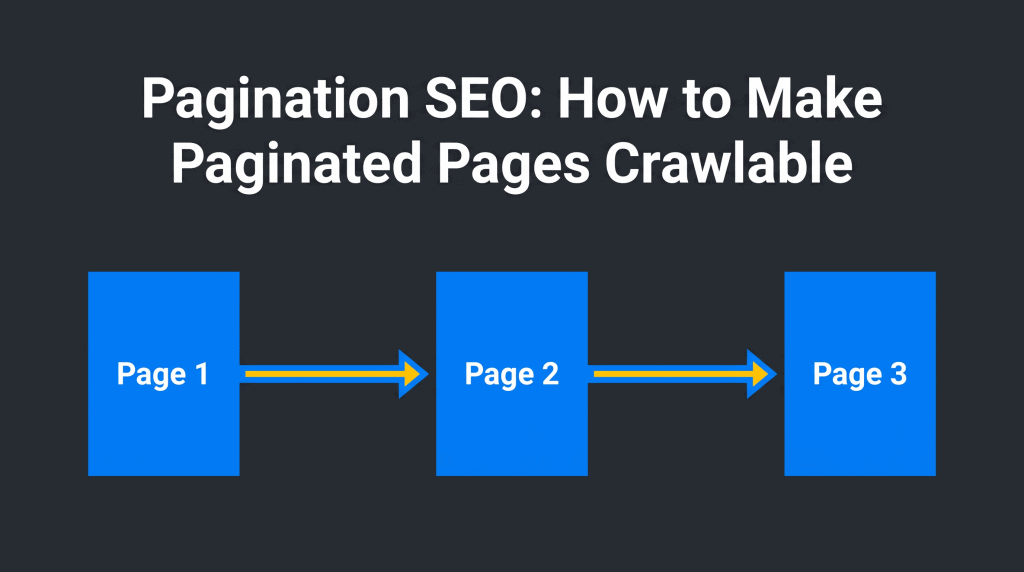
Idea Pagination divides a long list into separate pages that people and search engines can follow.
Challenge If page two appears only after a click, scroll, or script action, search engines may not find the products or posts behind it.
Summary Give each page its own URL, connect the series with ordinary links, keep canonical signals accurate, and test a deeper page directly.
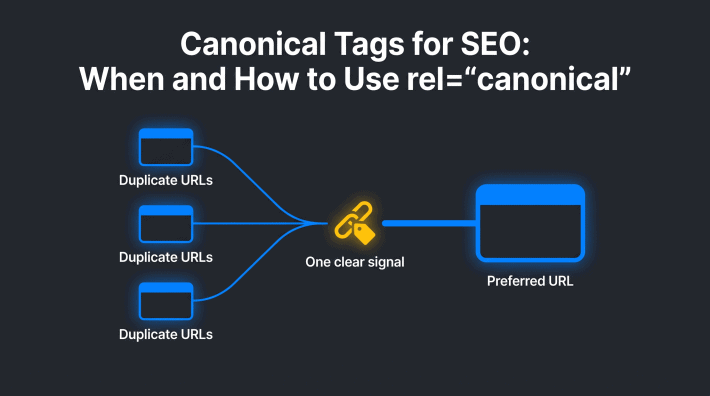
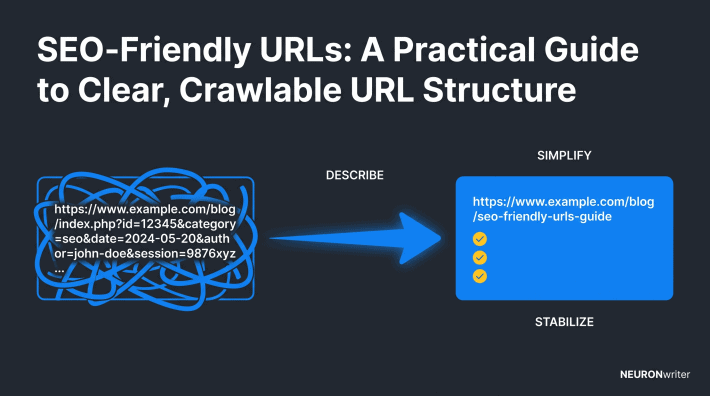
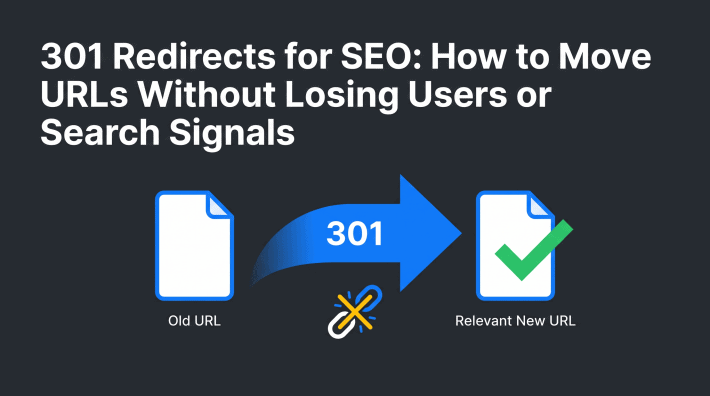
Related reads: Canonical Tags for SEO · SEO-Friendly URLs · Internal Link Audit
What Is Pagination SEO?
Pagination SEO means making the separate pages of a long list easy for search engines to discover and understand. This SEO pagination guide focuses on the route through the list rather than the optimization of a single page. Search engine optimization (SEO) here is not about putting keywords on every page number. It is about letting a visitor and a crawler reach items beyond the first screen.
Imagine an online store with 120 products and 24 products per page. The category has five pages. If page 1 links to page 2, page 2 links to page 3, and each page has a stable address, a search engine can find the rest of the list. A blog archive works the same way: older posts should not depend on somebody scrolling through months of content to become discoverable.
Google’s pagination documentation says its crawlers generally follow URLs in an HTML link’s href attribute; they generally do not click buttons or perform actions that require user interaction. That is why the visible navigation should also be a real path through the site.
Pagination vs Infinite Scroll: Which Navigation Pattern Should You Use?
Use the pattern that works for your visitors, but preserve a linkable route to later content. Page numbers are simple to audit. A “Load more” button or infinite scroll can also work for people, provided the underlying content remains reachable at distinct URLs through ordinary links.
| Pattern | What visitors get | What search engines still need |
| Numbered pagination | Clear page position and direct links to later results. | Distinct URLs and HTML links to the next page. |
| Load more | More items without a full page change. | Separate, directly accessible page URLs linked in the HTML; a button alone is not enough. |
| Infinite scroll | Continuous browsing. | A paginated URL series that loads correctly when opened directly, plus crawlable links to subsequent pages. |
Pagination can reduce the number of items loaded at once and improve the browsing experience, but the navigation pattern alone does not guarantee faster page load or better rankings. Images, scripts, templates and server response still matter. Choose the pattern by testing both real users and a directly opened deeper URL.
How to Implement Pagination Correctly for SEO
Build the page series as real documents before adding visual enhancements. Every page should show its own group of products or posts at a unique URL, with a working path to the next group.
1. Give each page a distinct, stable URL
A consistent URL structure is the starting point when you implement pagination across multiple pages. A category could use https://example.com/shoes/, https://example.com/shoes/?page=2 and https://example.com/shoes/?page=3. A /page/2/ path can also work. Neither format is inherently better for Google; what matters is that the URL is unique, stable and returns the correct items when opened directly. For broader design choices, see the SEO-Friendly URLs guide.
Do not identify pages only with fragments such as #page=2. Google ignores fragments for this purpose and may treat the URL as the same page. Check that refreshing page 2 does not return the first page’s items or send the visitor back to page 1.
2. Link the pages sequentially with HTML anchors
Put a real next-page link on each page, for example <a href=”/shoes/?page=2″>Next page</a>. Page 2 should link onward to page 3 and usually back to page 1. Descriptive labels and a visible current-page indicator help people understand where they are. A button that only runs a script is not a substitute for an anchor with a destination.
On a long series, add a useful link to the category’s first page or important subsections instead of forcing visitors to click through dozens of steps. Do not create a giant block of links to every page just to influence crawling. The goal of internal linking is a usable route to valuable items; the internal-link audit guide covers the wider site-level problem.
3. Keep canonical and index signals consistent
Page 2 is not a duplicate of page 1 when it contains a different set of items. Using self-referencing canonical tags for separate series pages is different from merging duplicate URLs. Google’s pagination guide explicitly says not to use page 1 as the canonical page for the whole series. Give each page its own canonical URL when each represents a distinct page. In normal implementations, a self-referencing canonical is a clear choice.
If page 2 is unintentionally available as both ?page=2 and /page/2/, choose one consistent version and resolve the duplicate. Do not blanket-canonicalize all deep pages to page 1. A canonical tag is a preference signal, not a guarantee that a page will be indexed. For the larger set of canonical decisions, use the dedicated canonical-tag guide.
Do not automatically add noindex to every pagination URL. First decide whether you need the page in search and whether it provides a route to valuable items. Noindex is not a shortcut for repairing an inaccessible page series. Conversely, filtered or alternate-sort URLs may be numerous near-duplicates; treat those variations separately from the main sequence and avoid generating needless crawl paths.
4. Check the mobile and script-rendered version
If the mobile interface replaces page links with a scroll-only action, check that the same reachable URLs are still available in its rendered HTML. A JavaScript-powered interface can enhance navigation, but it must not make later content dependent on a click that a crawler will never perform. Test page 2 on a slow connection and after refreshing it: does it show the expected items and the next link?
Google no longer uses rel=”next” and rel=”prev” to identify the series. You may keep them for another system, but they do not replace the page URLs and links Google asks for. Google documents this explicitly in its pagination best practices.
Pagination SEO Best Practices in a Real Category
A practical pagination strategy begins with the items, not the page numbers. Decide how many products to show per page based on browsing comfort and page performance, then make sure the list stays complete when a product is added or removed.
Check a five-page online store
Suppose a category contains 120 shoes shown 24 per page. Open page 1, follow its next link and copy the page 2 URL. Open that URL in a new private window. It must show shoes 25–48 without requiring page 1 to run first. Repeat on page 3 and the last page. Count the products to make sure nothing disappeared between the page loads.
Next, inspect the source or rendered HTML. Each pagination page should contain an ordinary anchor pointing to the next URL. Confirm that each page’s canonical tag points to the intended version of that page, not to an unrelated category or the first page of a different series. The category page should link to real products, not only to more page numbers.
Separate sorting and filters from the core series
A visitor may sort by price or filter by size. Those controls can produce many URLs for the same or nearly the same list of products. A ?sort=price&page=2 address is not automatically an extra page worth indexing.
Define which filtered views deserve search visibility, and avoid linking a crawler into endless combinations of filters, sort orders and page numbers. This is different from the clean pagination URL that simply shows the next group of products.
For large e-commerce catalogs, test the page series after every change to product availability or navigation templates. If page 5 disappears because the list shrank, update the page 4 link.
If a more relevant category replaces the old collection, handle the change as a site-move decision rather than silently sending every old pagination URL to the homepage.
Keep performance and user experience in view
Pagination does not automatically improve load speed. Showing fewer items can reduce the amount of data needed on a single page, but a heavy script or oversized images can still delay page load.
Test a representative mobile page and confirm the next-page control is easy to find and tap. If a “Load more” interaction is preferred, keep the underlying page URLs and links usable without that interaction.
Pagination for Blog Archives and Long Lists
A blog archive should let a reader find older posts without depending on endless scrolling. A second archive page needs its own URL, its own set of post links and an ordinary link from the first page. The same pattern applies to directories and other pages of content: every page contains a different portion of a larger list.
For example, the first archive page may show ten recent posts while page 2 shows the next ten. Open the page-2 URL directly and confirm those older post links appear. If a new article pushes entries to another page, check that the navigation still connects the series. Do not repeat an entire long introduction on every archive page; let the individual article pages carry the detailed answers.
This is why pagination is better for SEO than a scroll-only archive when the scroll interface has no directly accessible later pages. It does not mean all blog archives should rank. It means readers and search engines can crawl and index relevant posts through a clear link path, while Google makes its own indexing decision for each archive URL.
Common Pagination SEO Issues: How to Find and Fix Them
Start with page 2 and one deeper page. If either cannot be opened by URL, reached from its predecessor, or matched to the right items, fix that before worrying about rankings or page titles.
| Check | What a healthy result looks like | What to fix if it fails |
| Direct URL | Page 2 loads its own items without prior clicks. | Give the page a real route and correct server response. |
| Next link | Page 1 has an href link to page 2; page 2 links onward. | Replace script-only controls with crawlable anchors. |
| Canonical | Each distinct page points to its own preferred URL. | Remove a page-2-to-page-1 canonical where items differ. |
| Indexing choice | Important pages are not accidentally blocked or noindexed. | Review directives and the purpose of each URL. |
| Removed page | Retired page numbers do not become broken navigation. | Update links; redirect only where a genuinely relevant replacement exists. |
Use the free URL Inspection tool in Google Search Console to inspect a representative page 2 and a deeper page. Compare the user-declared and Google-selected canonical, rendered content and indexing status.
A page can be crawlable without being indexed: Google still decides which pages to show. The Performance report can help you compare page-series impressions and clicks, but low traffic on page 3 alone does not prove a technical problem.
When a product is removed or a blog archive shrinks, confirm that the final page number still exists and that the preceding page no longer links to a dead end.
If a page has genuinely moved to a relevant replacement, see the 301 redirects guide. A redirect to an unrelated page is not a fix for missing products.
What to check in Search Console
For technical SEO, inspect a representative pagination URL after changes to your template. In Google Search Console, inspect page 2 of a category and a deeper page, not just the first page.
Ask three separate questions: can Google reach the URL, does the rendered page show its own products or posts, and which canonical URL did Google select? Then review the Performance report for the same URL pattern. A difference between what you declared and what Google selected is a reason to investigate, not proof that a canonical tag is broken.
If the page is discovered but not indexed, look at its actual content and links before assigning a cause. Google may choose not to index a crawlable pagination URL. Conversely, a page that is indexed does not prove every deeper item is discoverable. Check the link chain and a sample of the products or articles it contains.
Compare a working page with a broken one
If the first page loads but page 2 fails, compare their URLs, server responses, visible items and navigation links. Different pages should not show the same list of products merely because a template reuses the page-1 data. A page containing only a loading spinner is not a substitute for the requested items. These checks help separate a real crawl path failure from a page that Google simply has not chosen to index.
Check the same route on a mobile screen. If the page number is hidden behind a script-only control on mobile, readers and search engines may see different routes. The simplest pagination SEO mistakes to avoid are missing next links, unstable page numbers and a canonical that points every page to the first page.
How NEURONwriter Helps With the Content Around Pagination
NEURONwriter can help write and organize a useful explanation of pagination; it cannot inspect a site’s page-series responses or set canonical tags. Use the product for the editorial work and Search Console plus direct URL checks for technical validation.
Content Designer helps structure the guide’s title, description and headings around the reader’s task. Content Writer shows relevant NLP terms and entities, so the article can explain URLs, canonical decisions and crawling without repeating the same keyword. Content Ideas surfaces search questions that can inform a practical FAQ. The Auto-Insert Internal Links feature can suggest relevant links to adjacent technical-SEO articles; review each suggestion for real reader value before accepting it.
FAQ
Is pagination good or bad for SEO?
Pagination is useful when it lets visitors navigate a long list and gives search engines a path to deeper items. It becomes a problem when later pages have no stable URL or no crawlable link. The implementation matters more than the mere presence of page numbers.
Should page 2 canonicalize to page 1?
No, not when page 2 has different products or posts. Google says not to set page 1 as the canonical for the entire paginated sequence. Give each distinct page its own canonical URL.
Should paginated pages be indexed?
Do not noindex all of them by default. Decide based on the page’s purpose and the discoverability of the items it links to; then verify the actual directives and Google’s chosen status. A crawlable page is not guaranteed a place in search results.
Is infinite scroll better than pagination?
Neither is universally better. Infinite scroll can feel smooth, while numbered pages make direct navigation easier. If you use scrolling or “Load more,” keep a crawlable linked URL for each portion that should be discoverable.
Do I still need rel=next and rel=prev?
Google no longer uses these tags to understand a page series. You can retain them if another system needs them, but use real URLs and sequential HTML links for Google’s crawler.
Can I use ?page=2 instead of /page/2/?
Yes. Google accepts a unique URL such as ?page=2 for each page. Keep the pattern consistent and ensure that loading the address directly shows the correct content.
How can I test whether page 3 is crawlable?
Open page 3 in a fresh browser tab and check that it contains the expected items. Follow the HTML links from page 1 to page 2 and then page 3. Inspect a sample in Google Search Console to see the rendered page and indexing information.
Do pagination URLs belong in the XML sitemap?
A sitemap can help discovery, but it cannot repair broken navigation or force indexing. Prioritize a clean series of linked pages and list only URLs that fit your indexing plan. Google also recommends sitemaps or a product feed as supplementary ways to find products on sites with incremental loading.
Can pagination create duplicate content?
Different groups of items on page 1 and page 2 are not identical content. Duplicate URLs can arise when the same page appears under multiple parameter or path formats, or when sorting produces equivalent lists. Pick one preferred URL for equivalent variants and keep the normal sequence linked.